WooCommerce Address Autocomplete: Stop Losing Orders at Checkout
A customer fills their cart. Adds their details. Starts typing their address.
Then they misspell their street, skip their unit number, or abbreviate something their carrier doesn't recognise. They hit continue.
And now you have a problem you won't find out about for four days.
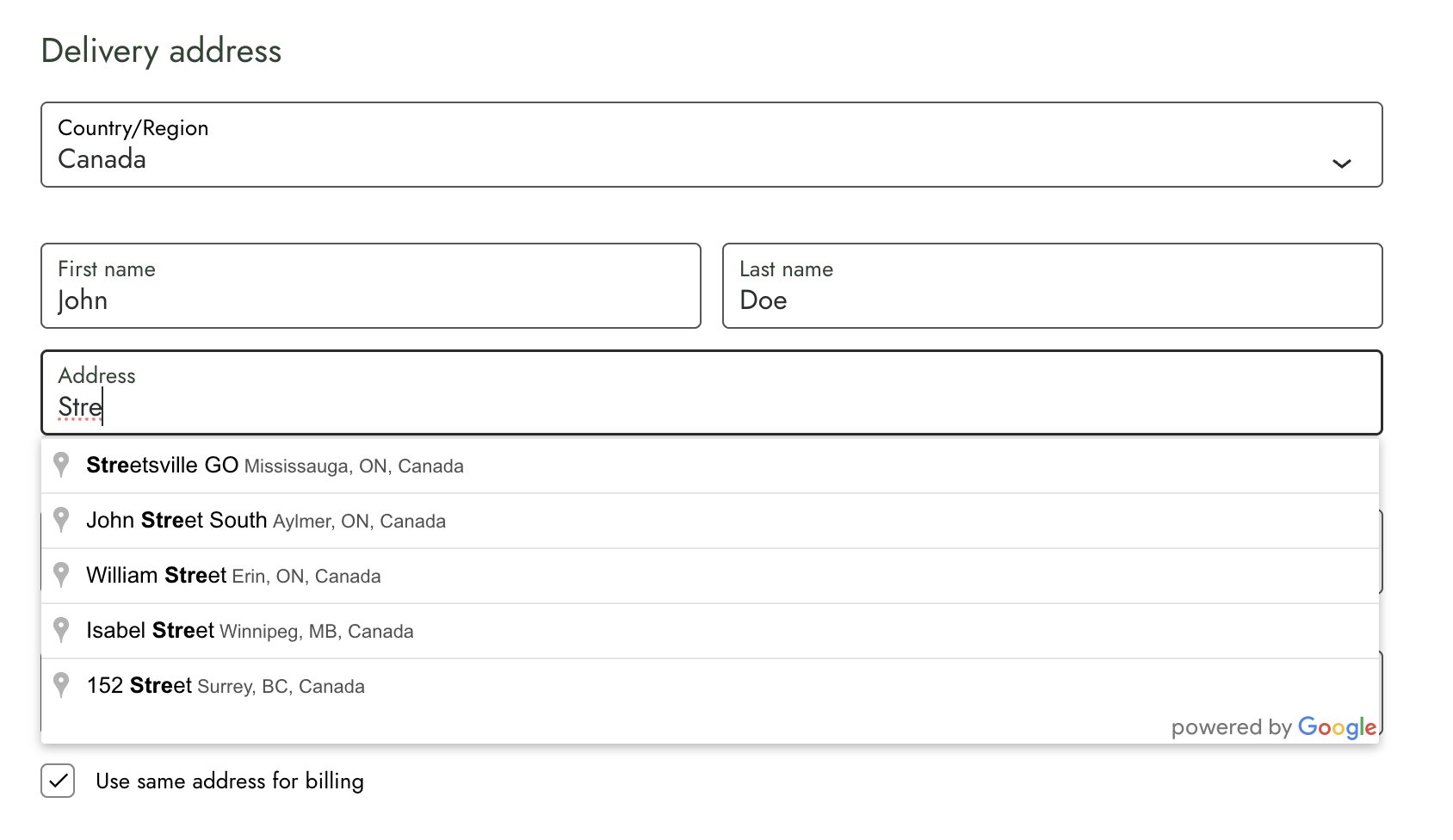
Three ways a bad address costs you money
1. The order that never happens
If you run local delivery or zone-based shipping, checkout compares the typed address against your delivery boundary. A slightly wrong address doesn't match — so the customer gets told you don't deliver to them.
They live inside your zone. They leave anyway. Your analytics records it as an ordinary abandoned cart.
2. The parcel that comes back
Wrong address, failed delivery. Now you're paying return shipping, re-picking the order, and shipping it again — often with an apology discount attached.
That order is now unprofitable, and the customer is already annoyed.
3. The ticket your team didn't need
"Where's my order?" Someone on your team spends fifteen minutes reconstructing what the customer meant to type — often starting from the order confirmation email the customer is looking at.
Multiply that across a month. That's real hours on a problem that started with one typo in one form field.
Why this keeps happening
Most checkout addresses are typed on a phone, in a hurry, across five separate fields.
Your customer isn't being careless. The form is asking for precision at the exact moment they have the least patience — after they've already decided to buy. (If your checkout is also loading slowly, image weight is usually the culprit — that's a separate fix worth making.)
The longer the address section, the more chances something goes wrong. And every one of those chances is between your customer and your confirmation page.
What a real store found
A store owner running local delivery told us exactly this story.
Customers were being rejected at checkout as "outside the delivery zone" — despite living well inside it. Their manually typed addresses simply didn't match the mapping data the delivery zones were drawn from.
They weren't losing orders to price or product. They were losing them to a form field.
After adding autocomplete, they stopped seeing abandoned carts caused by mistyped addresses.
The zones weren't wrong. The addresses going into them were.
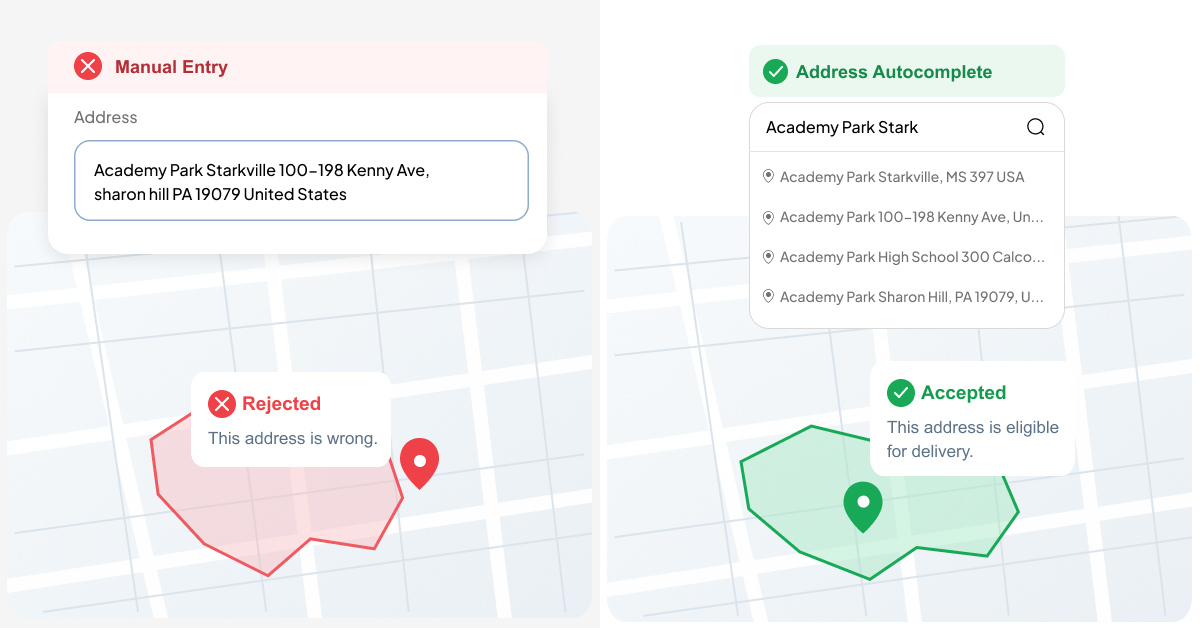
What autocomplete actually changes
Your customer starts typing. They pick their address from a dropdown. City, postcode, and state fill in automatically.
That's it — and that's the point.
- Fewer abandoned carts at the address step, especially on mobile
- Fewer failed deliveries, because the address matches what your carrier expects
- Fewer support tickets about orders going to the wrong place
- Cleaner order data flowing into your shipping, tax, and fulfilment tools
No redesign. No retraining. One less thing standing between your cart and your confirmation page.
What you get free, and what Pro adds
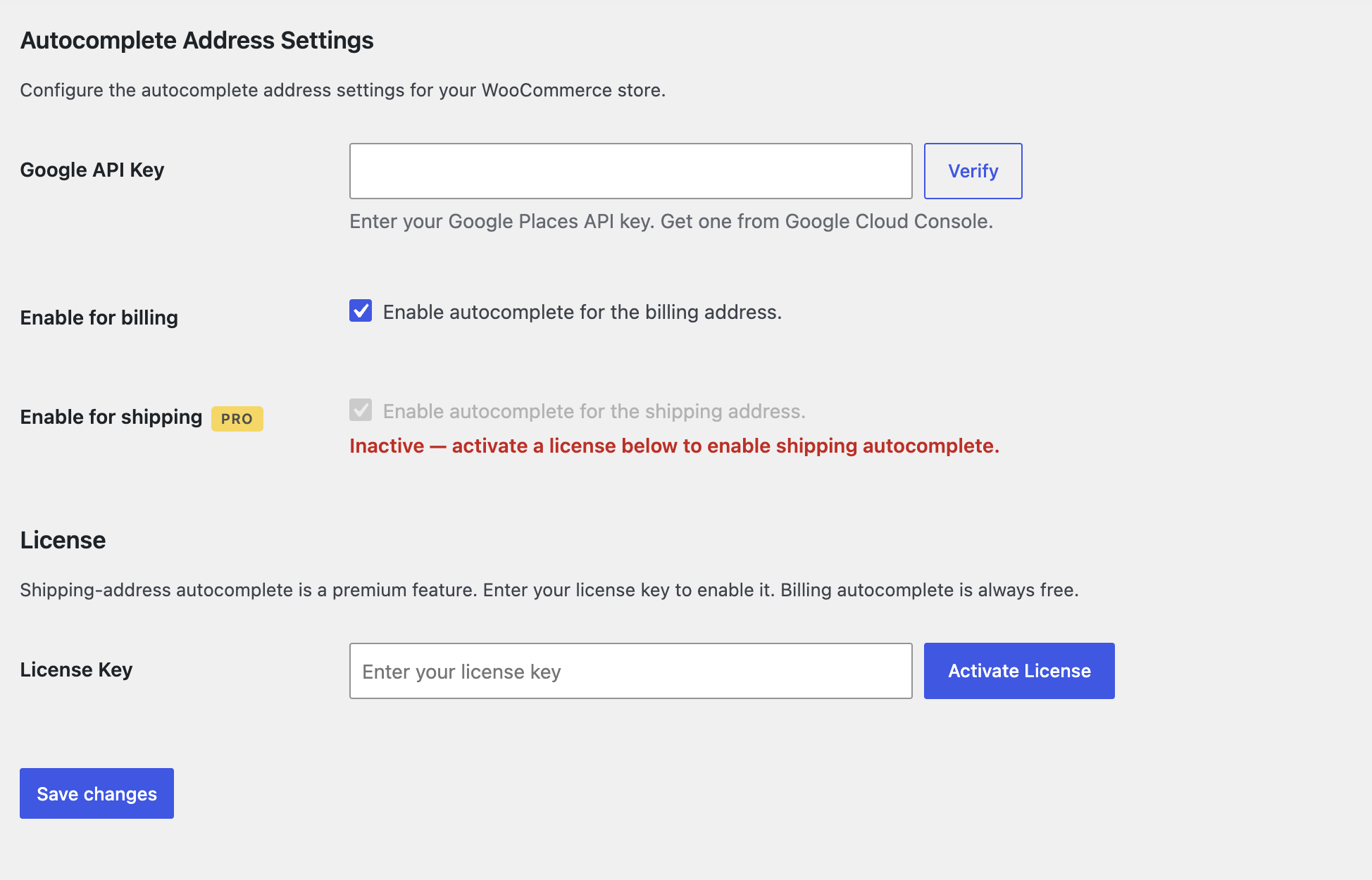
Address Autocomplete for WooCommerce gives you billing address autocomplete for free — permanently. No trial, no account, no expiry. It works on both the classic and block checkout, and detects which one you're using automatically.
If most of your customers ship to their billing address, the free version may be all you need.
Pro unlocks shipping address autocomplete — which matters if a meaningful share of your orders ship somewhere other than the billing address. Gift orders. Office deliveries. Customers with a separate delivery address.
Those are exactly the orders where a typo is most likely, and most expensive.
Pro also adds priority support, and the Agency plan covers unlimited sites and WordPress Multisite.
Shipping to different addresses than your customers bill from? That's where most address errors happen. See Pro plans →
Two things worth knowing first
This is autocomplete, not validation. It helps customers enter a well-formed address. It doesn't verify the address exists or correct it afterwards. If you need true verification, that's a different kind of tool.
Google Places is usage-priced. You'll need a free API key from Google, and Google's monthly free credit covers small and mid-sized stores comfortably. Worth checking their pricing against your own checkout volume.
Neither is a dealbreaker. Both are better known now than discovered later.
The math is simple
One failed delivery costs more than a month of this plugin.
If you're running local delivery, shipping internationally, or watching customers drop off at your address fields, this is one of the cheapest conversion fixes available to a WooCommerce store.
Not sure checkout is where you're losing money? Start from the symptom instead.
Continue Reading
- Speed WordPress Image Optimization: Why Your Site Is Slow and How to Fix It →
- Email WooCommerce Order Emails Look Terrible. Here's How to Fix Them. →
- Security SVG Uploads in WordPress: Why It's Blocked and How to Do It Safely →
- News WordPress 7.1.2: Update Your Store Today. Here's What It Won't Fix. →
- Compare Which Code Pros Plugin Do You Need? →
- Plugin Address Autocomplete for WooCommerce — Plans & Pricing →