WordPress 7.1.2: Update Your Store Today. Here's What It Won't Fix.
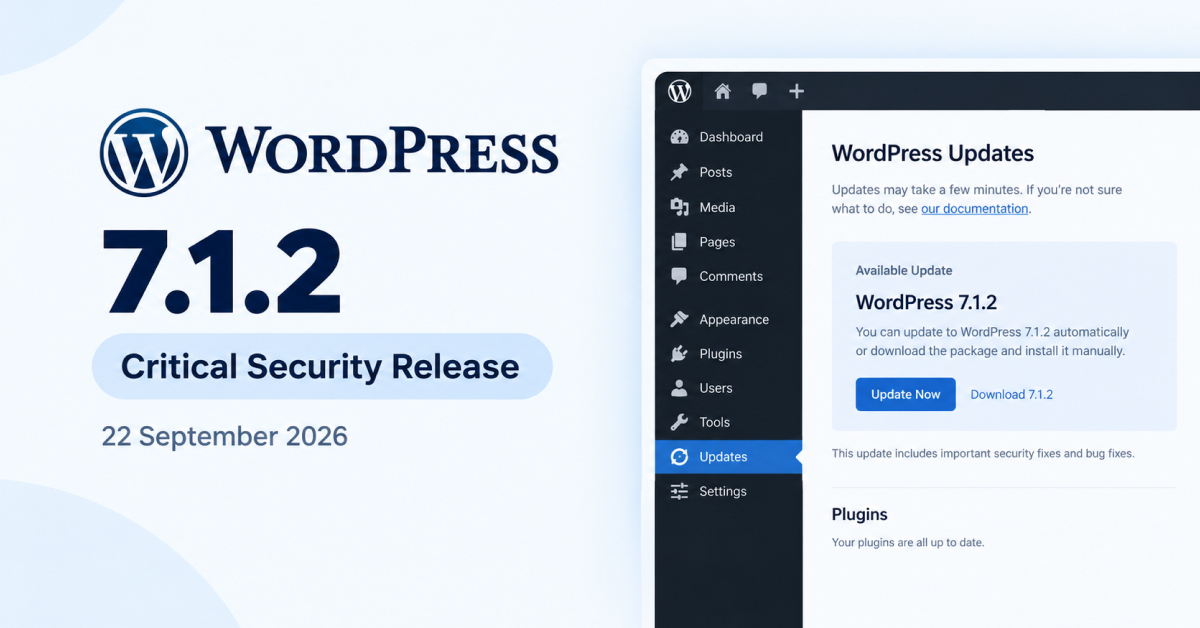
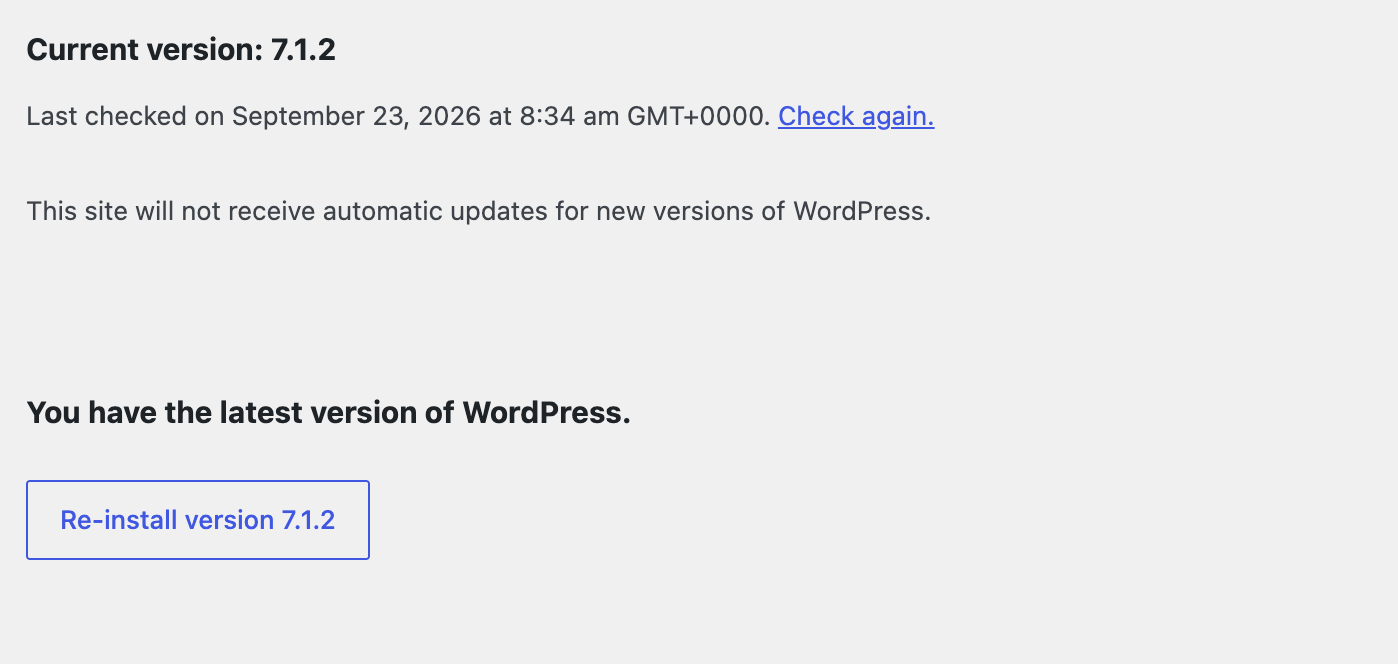
If you haven't updated yet, go do that now. Dashboard, Updates, Update Now. This article will still be here.
WordPress shipped 7.1.2 on 22 September. It's a security-only release with exactly one fix, and that one fix is the most serious thing WordPress has patched in a long while.
What's actually wrong
The short version: an unauthenticated attacker can, under certain conditions, make WordPress load a PHP file from outside your theme directory. Where the server setup and the active theme both line up the wrong way, that becomes remote code execution.
No login required. No plugin involved. Just WordPress.
It's tracked as CVE-2026-87902, rated critical at 9.2 out of 10, and it was reported by Robert Ressl. The fix has been backported to every supported branch going back to 4.7, so old sites are covered too, though some of those backports were still rolling out as of release day.
Here's the part worth paying attention to: the advisory doesn't spell out what those "certain conditions" actually are. Nobody outside the security team knows which theme and server combinations are exploitable. So the sensible posture is to assume yours is one of them and patch immediately.
This is the fifth one since July
7.1.2 arrived five days after 7.1.1, which itself carried eleven security fixes including an unauthenticated stored XSS in comments.
That's five core security releases in 67 days. Twenty-seven core vulnerabilities patched so far in 2026.
I'm not saying that to be alarming. WordPress is enormous, it's audited constantly, and finding bugs is what a healthy security process looks like. But it does mean one thing for anyone running a store on it: "I'll update when I get around to it" stopped being a viable strategy some time around July.
Update now, but don't be reckless about it
There's a tension here and it's worth naming honestly. Critical patches want to go on immediately. Live stores want changes tested first. Those two instincts point in opposite directions.
For a security-only release like 7.1.2, patched fast wins. There's one fix in it, the surface area for breakage is tiny, and the alternative is leaving an unauthenticated RCE path open while you schedule a staging window.
The picture's different for 7.1.1, which carried seventeen core bug fixes and nineteen block editor fixes alongside its security patches. That one had real regression potential, and 7.1 itself caused fatal errors with some caching plugins. If you skipped both and you're jumping straight from 7.0 to 7.1.2, you're taking on all of that at once. Clone to staging for that jump.
Either way, back up first. Then:
- Click through your full checkout. Cart, address entry, payment, confirmation email.
- Load a product page and a category page.
- Check the admin loads and you can edit a post.
- Watch your error log for an hour.
The awkward truth about security releases
Here's what nobody says out loud when a critical patch drops: updating fixes the thing that was just announced. It doesn't fix anything that was already broken on your site before Tuesday.
You're going to be in your dashboard today anyway. While you're there, it's worth knowing that 7.1.2 did nothing about the three things quietly costing most WooCommerce stores money right now.
Your images are still too heavy. WordPress 7.1 moved image resizing into the browser, which is a real improvement for upload failures. It doesn't compress anything or convert to modern formats. A 4MB photo resized to 1200px is still a 4MB-ish problem. Image weight is still the most common reason a WordPress store feels slow, and no core release is going to fix that for you.
Your checkout still loses orders to typos. Core doesn't care that people mistype addresses on phones, or that a mistyped address means a failed delivery, a returned parcel, or a customer who gets told you don't deliver to their street when you do.
Your upload security is still whatever you left it as. If anyone on your team has ever pasted a snippet to enable SVG uploads, that's a script execution path no core release will patch for you.
Your order emails still look like 2015. WooCommerce defaults didn't change in 7.1.2 and they're not going to. The most-opened email your store sends is still a grey box with a purple bar unless you do something about it.
None of those are security problems. They're just revenue problems, which is arguably worse, because nobody publishes a CVE when your checkout quietly loses 3% of orders to address errors.
Do this today
- Update to 7.1.2.
- Run through checkout once to confirm nothing broke.
- Check your PHP version while you're in there. 7.4 minimum, and if you're on 7.4 you've got your own problem to solve.
- Then pick one of the three things above and actually fix it. Not sure which?
Continue Reading
- Speed WordPress Image Optimization: Why Your Site Is Slow and How to Fix It →
- Checkout WooCommerce Address Autocomplete: Stop Losing Orders at Checkout →
- Email WooCommerce Order Emails Look Terrible. Here's How to Fix Them. →
- Security SVG Uploads in WordPress: Why It's Blocked and How to Do It Safely →
- Compare Which Code Pros Plugin Do You Need? →